Home
Services
Software
Documentation
More
BlogContact
video-editor.com

Beginner or pro.
Start here.

We build KlikSync for one-click multicam sync and KlikFrame, a free video editor in your browser. We write practical guides for editors.

Need footage edited instead? See our video editing services.

Trusted by brands and creators worldwide

Tesla Motorola Bored Panda Gitex Global Azzyland Nuvei

Multicam sync,
without the manual work.

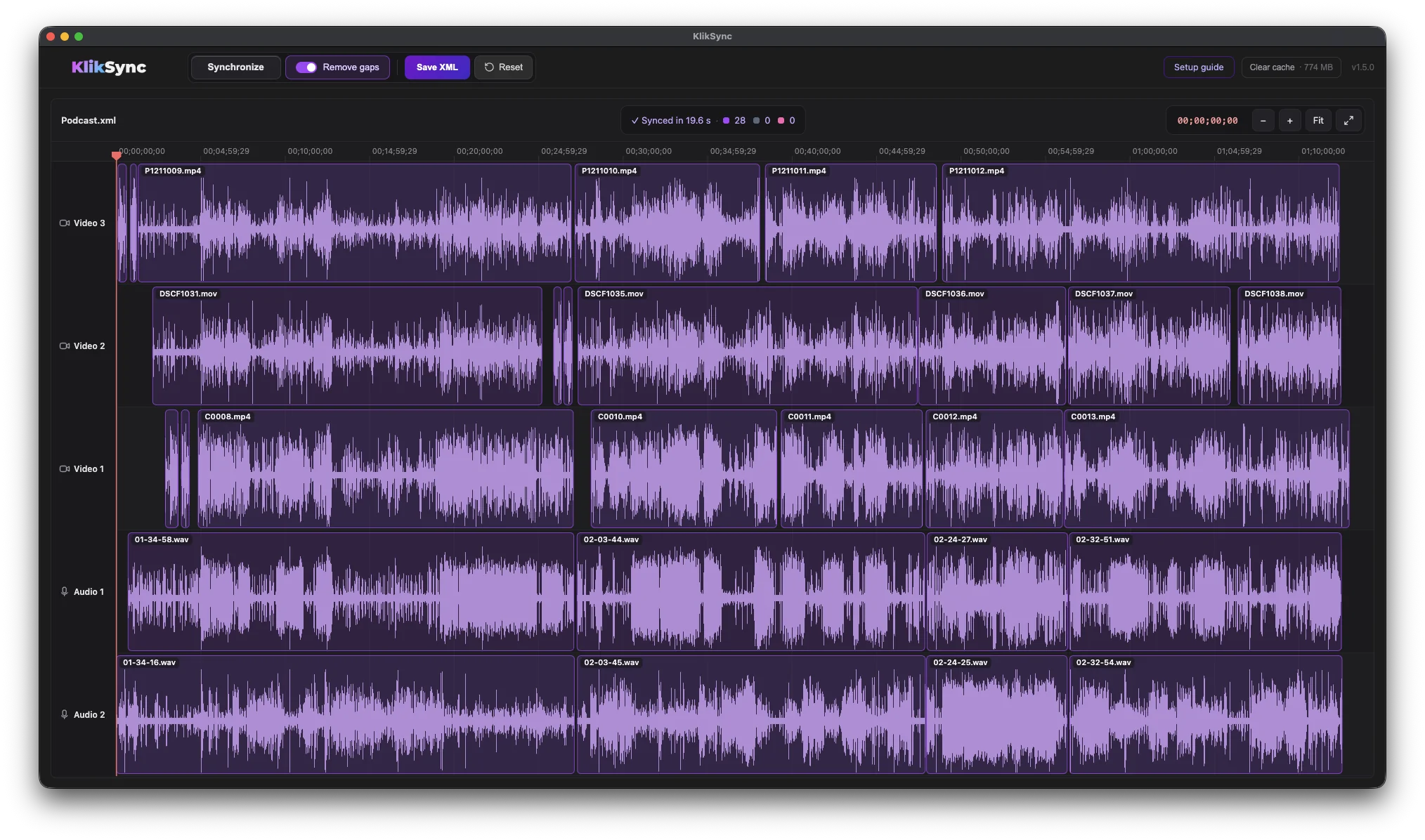
Drop in your exported XML, click Synchronize, and every clip lines up by its audio waveform — no timecode, no clapperboard, no dragging clips by hand. Works with 100+ files from a single shoot.
No Timecode
Audio-based sync
Premiere + Resolve
XML in, XML out
$89
One-time, lifetime
Coming soon KlikSync Pro — automatic multicam podcast editing.
KlikSync in Adobe Premiere — every camera and microphone aligned on the timeline by its audio waveform
1 click

Video editing,
right in your browser.

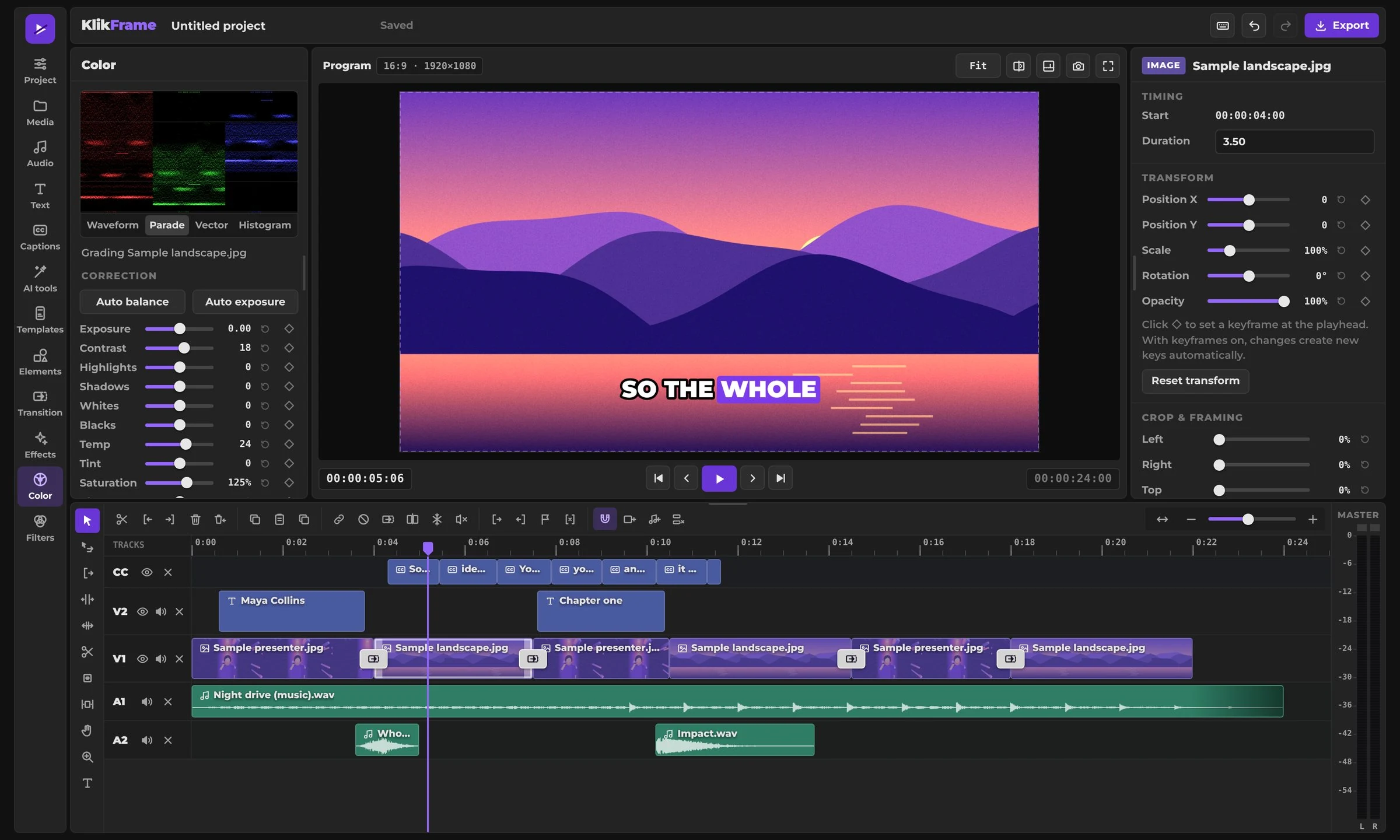
Cut, caption and export without installing anything. Auto captions, Find Shorts, background removal and more, all in one editor. Your footage stays on your device.
Free
No account, no watermark
No install
Runs in your browser
4K export
Ready for any platform
KlikFrame editor in the browser with a multitrack timeline, viewer and inspector
Free
Free PDF · 17 Pages

The Editor's
Toolkit.

Keyboard shortcuts, color correction and grading, LUTs, frame rates, codecs and folder structure for Adobe Premiere and DaVinci Resolve — with two complete keyboard maps. One PDF, made for the screen.
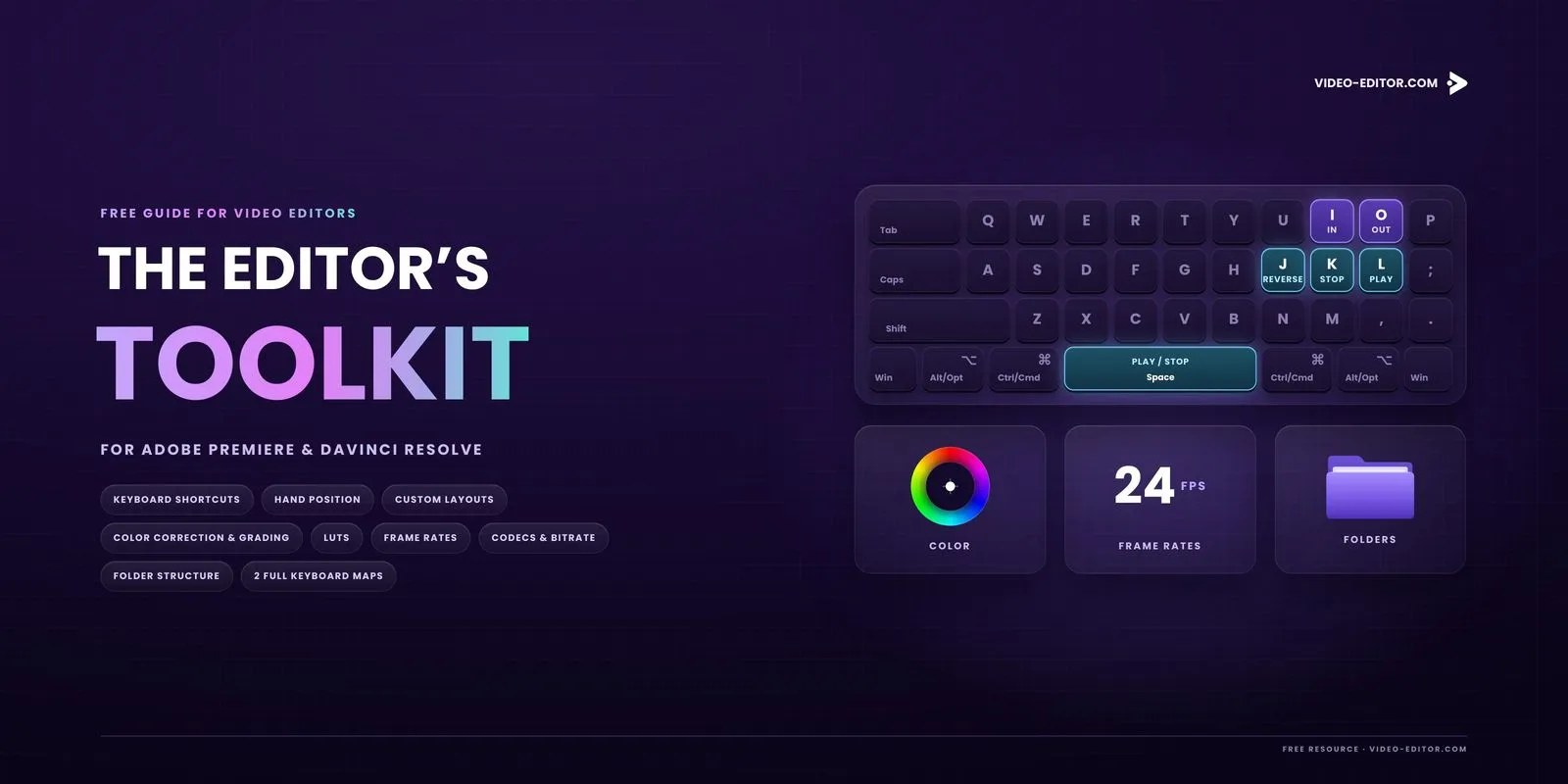
Adobe Premiere DaVinci Resolve Windows & macOS
Cover of The Editor's Toolkit, a free PDF for Adobe Premiere and DaVinci Resolve with a keyboard illustration
17PAGES
From the Blog

Editing tips, that save you time.

Browse all posts
Also Available

Need footage edited by someone else?

We do full-service video editing too — color grading, sound design, and short-form content for brands and creators.
free-capcut-alternative
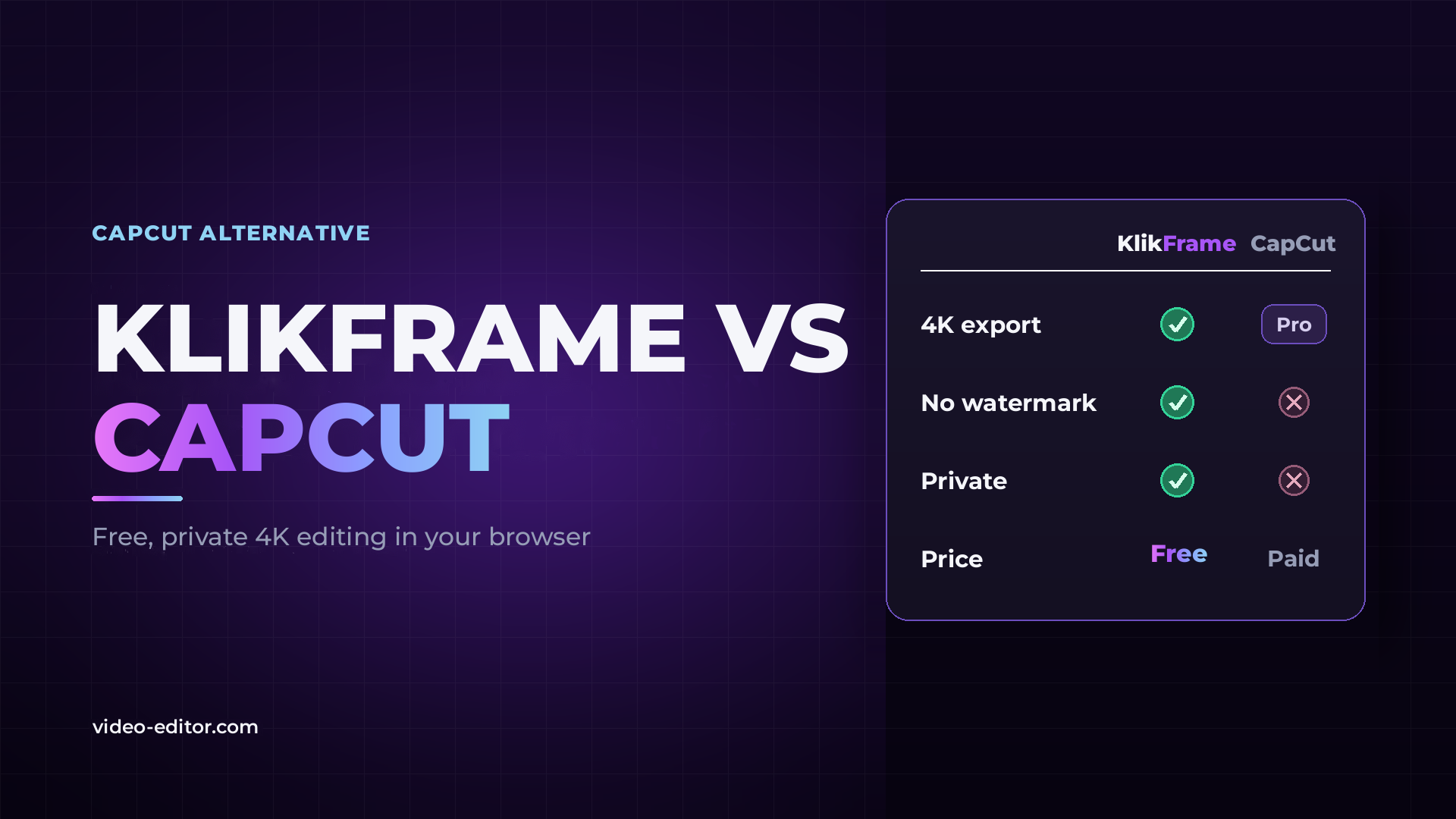
Free Online CapCut Alternative With No Watermark
KlikFrame is a free CapCut alternative that runs in your browser: no install, no account, no watermark, 4K export, and your footage is never uploaded.
9 min read
KlikFrame vs CapCut comparison thumbnail: KlikFrame has green checkmarks for 4K export, no watermark and privacy and is free, while CapCut shows “Pro” and crosses and is paid.
pluraleyes-alternatives
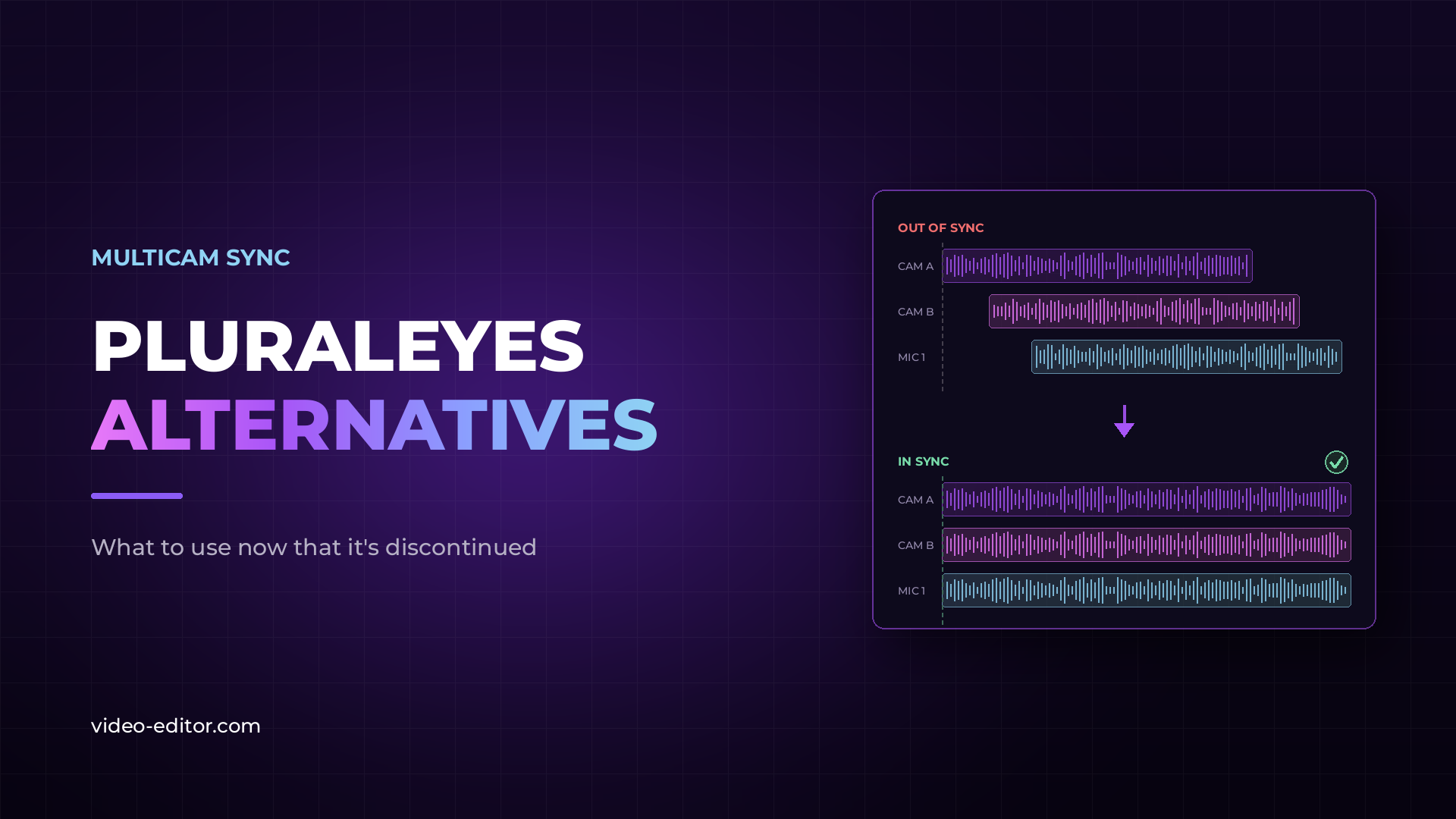
PluralEyes Alternatives: What to Use Now That It's Discontinued
PluralEyes has been discontinued. Here's what to use instead: KlikSync, native sync in Adobe Premiere and DaVinci Resolve, Syncaila, and timecode hardware — honestly compared for real-world multicam work.
8 min read
Blog post thumbnail reading "PluralEyes Alternatives" next to two timelines: the same audio waveform offset across camera and microphone tracks above, and the same waveforms perfectly aligned below.
davinci-resolve-vs-adobe-premiere-pro
DaVinci Resolve vs Adobe Premiere Pro: Which One Should You Choose?
Updated September 2026 for DaVinci Resolve 21.1 and Adobe Premiere 26.5. A side-by-side comparison of color grading, audio, AI tools, performance and pricing, and which video editor fits your workflow.
12 min read
Blog post thumbnail reading "DaVinci Resolve vs Adobe Premiere" beside a split panel: Resolve's Lift, Gamma, Gain and Offset color wheels on one side, a Premiere editing timeline on the other, with a VS badge between them.